Overview
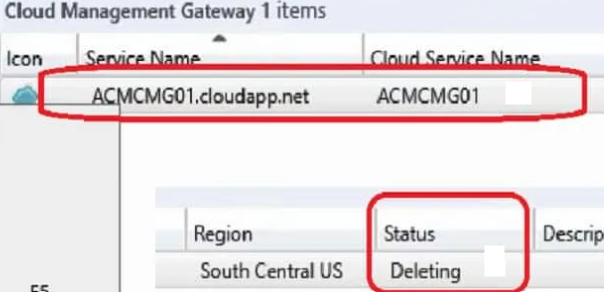
In Microsoft Endpoint Configuration Manager (ConfigMgr / SCCM), administrators may encounter a scenario where the Cloud Management Gateway (CMG) remains stuck in the “Deleting” state even after all related Azure resources and console components have been removed.
Symptoms
You may observe the following:
- CMG status shows Deleting indefinitely in the ConfigMgr console
- All Azure resources (VMSS, Storage, Public IP, Resource Group) already removed
- CMG Connection Point role removed or absent
- Unable to deploy a new CMG with the same name
- No active deletion activity in logs
- CMG object remains in the console for days
Primary Root Cause
Service Connection Point role not installed, removed, or not functioning
Without SCP:
- Cloud synchronization stops
- CMG lifecycle operations fail
- Cleanup tasks never complete
Install or Restore Service Connection Point
If missing, install the role:
- Go to Administration → Site Configuration → Servers and Site System Roles
- Select the site server (or a server with internet access)
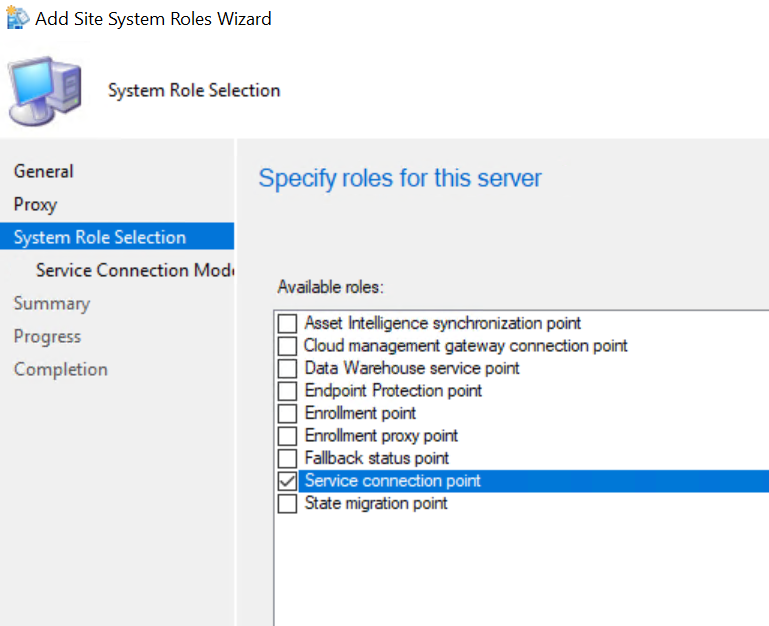
- Click Add Site System Roles
- Choose:
Service Connection Point
- Select:
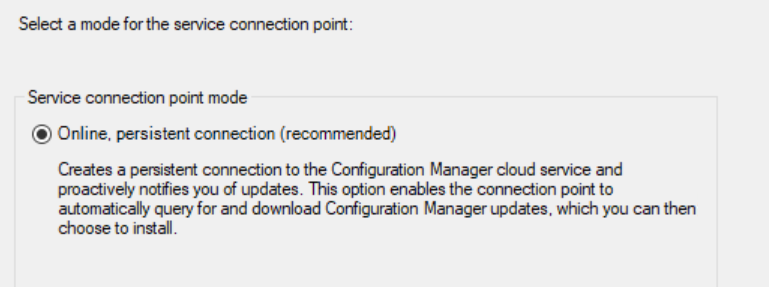
👉 Online Mode (Recommended)
Online mode allows direct communication with Microsoft cloud services.