
Since a domain controller, it is additional security we may also need to add users;
Open Group Policy Editor.
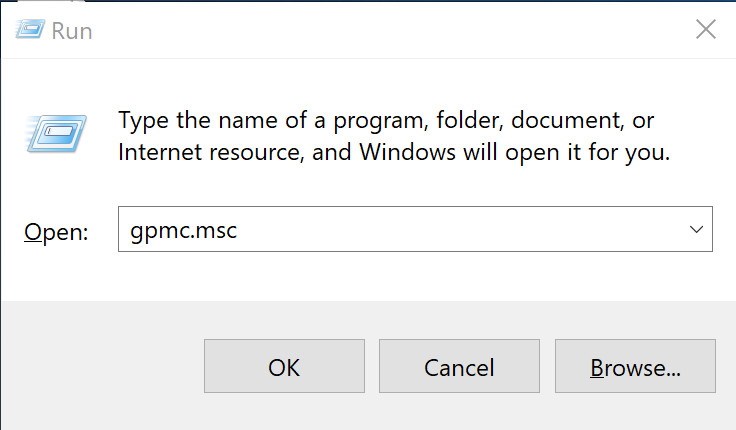
1. Simultaneously press the Windows + R keys to open the run command box.
2. Type gpmc.msc and press Enter.

In Group Policy Editor navigate to: Default Domain Policy > Computer Configuration > Windows Settings > Security Settings > Local Policies > User Rights Assignment.
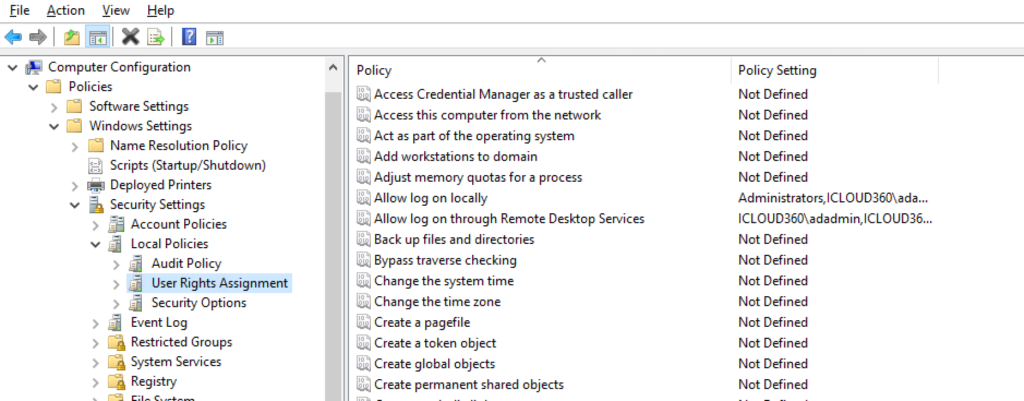
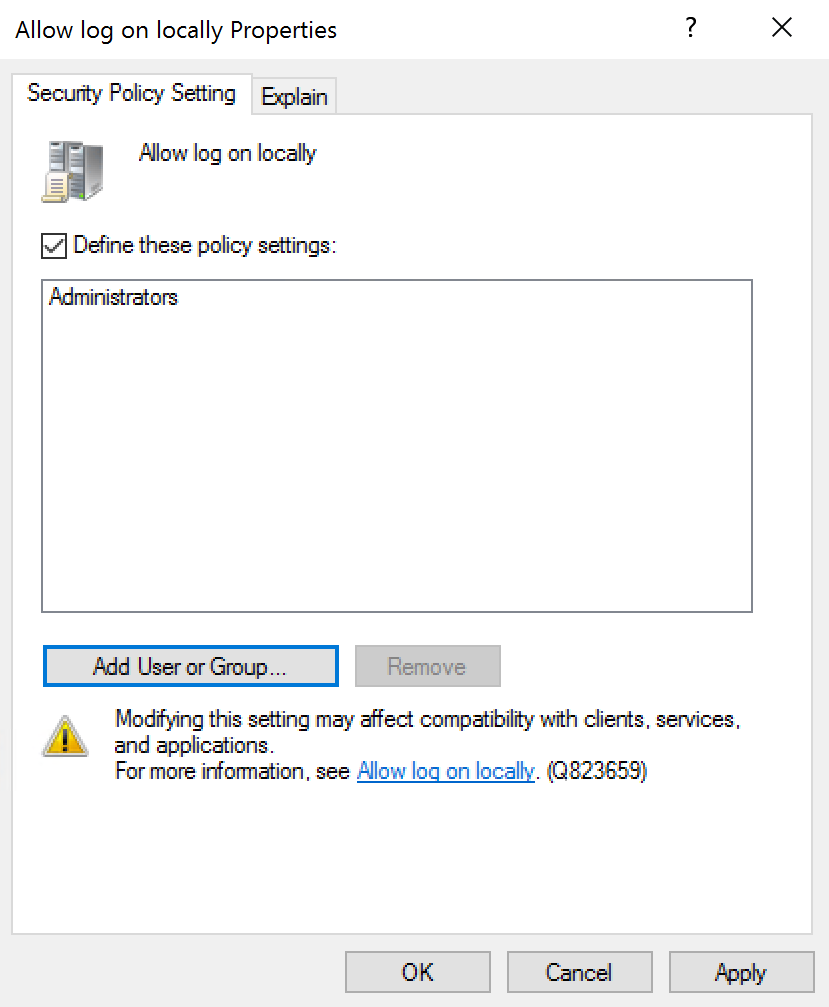
Under the Allow logon locally
Click Add User or Group.
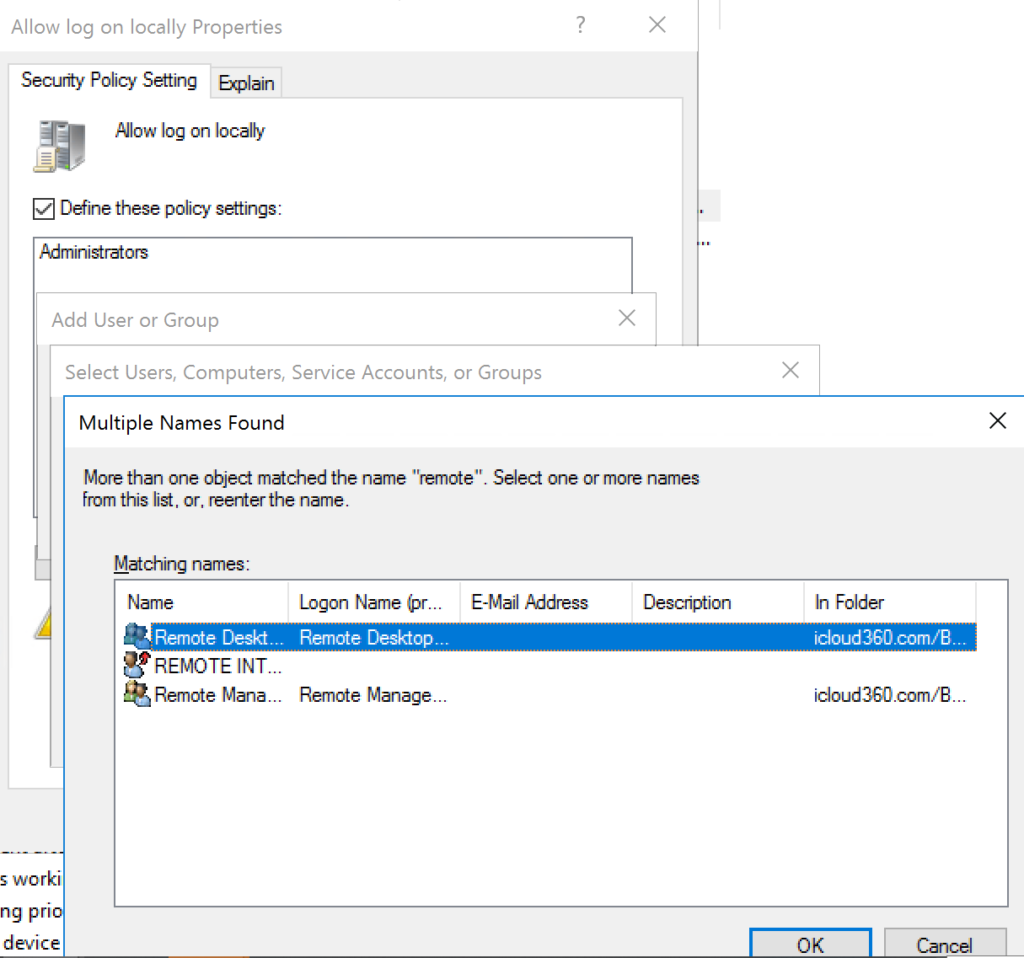
Click Allow log on through Remote Desktop Services and do the same.
Run “gpupdate /force” on the Server.