
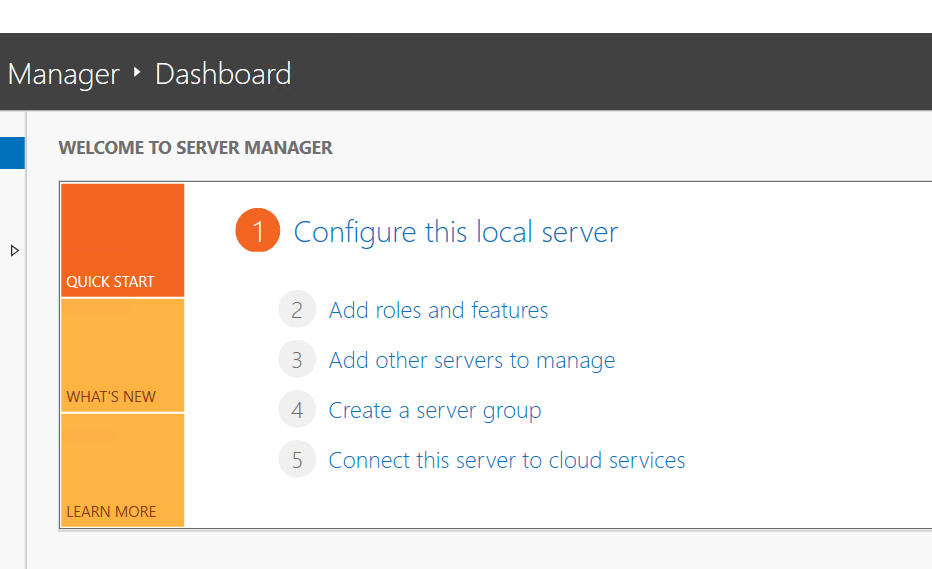
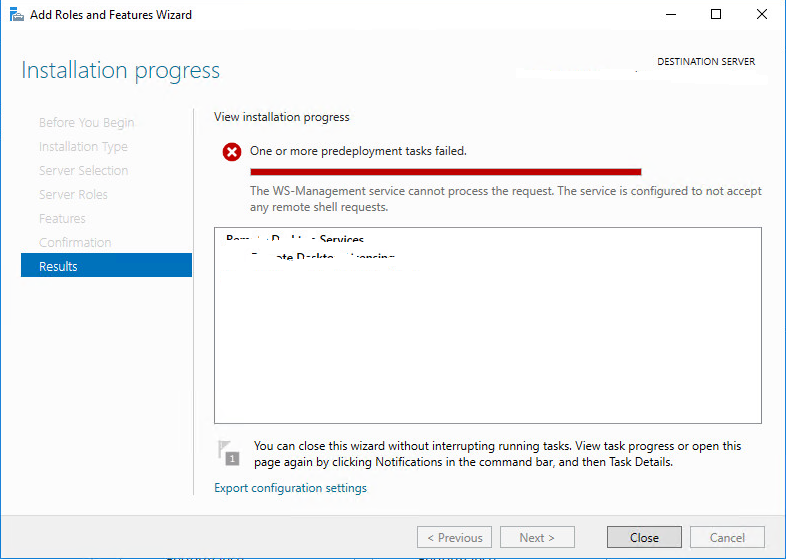
We are trying to install the “Bit locker feature” in the Windows Server 2019. In the last step of installation from the Add roles and features, the installation will stop with the error “The ws-management service cannot process the request. the service is configured to not accept any remote shell requests. “
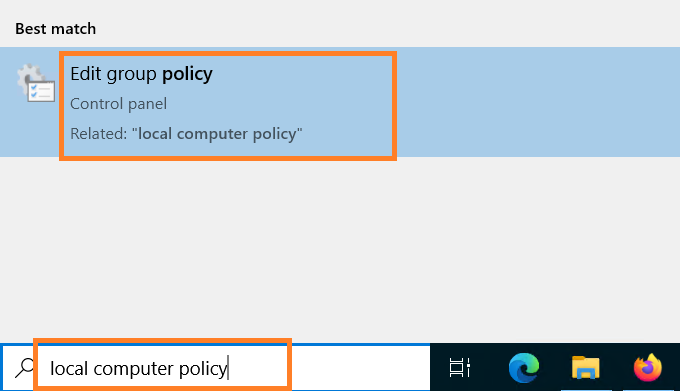
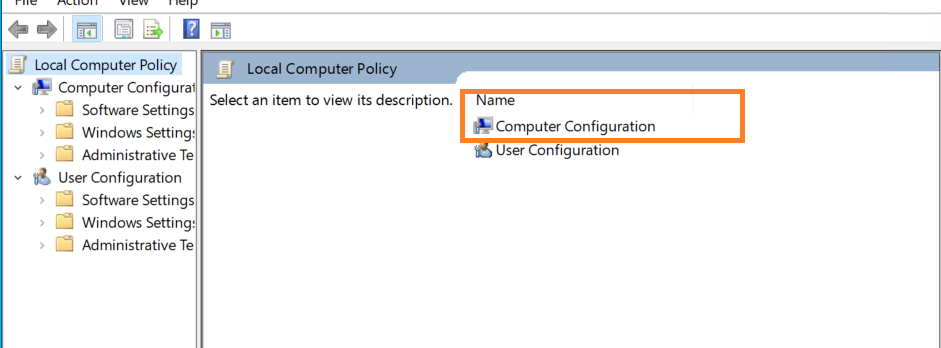
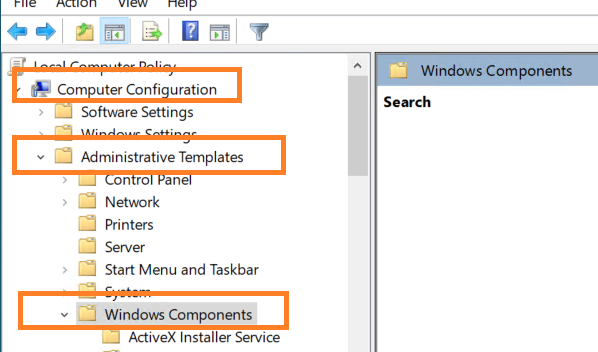
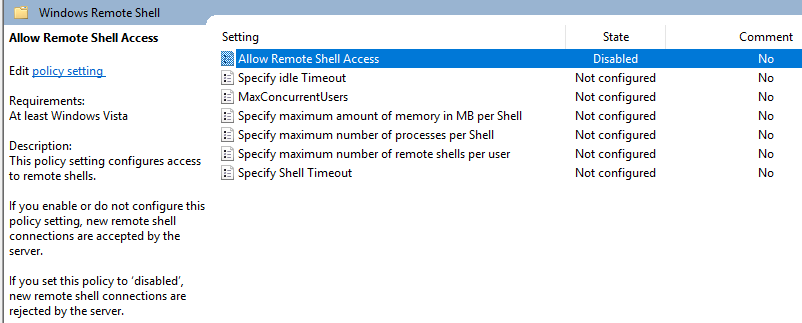
To fix this issue, go to Local Computer Policy > Computer Configuration > Administrative Templates > Windows Components > Windows Remote Shell > Allow Remote Shell Access.
Local Computer Policy
Computer Configuration
Administrative Templates > Windows Components > Windows Remote Shell
Allow Remote Shell Access – Change to enabled.
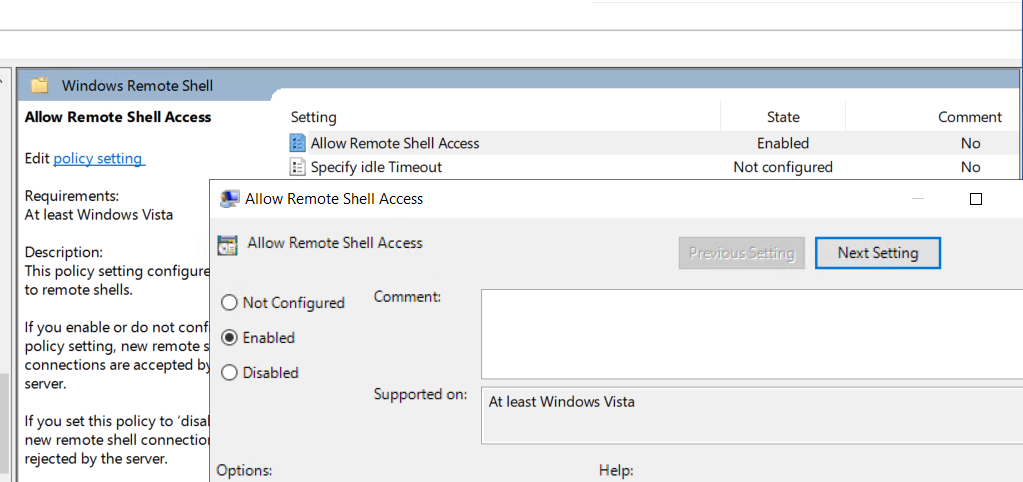
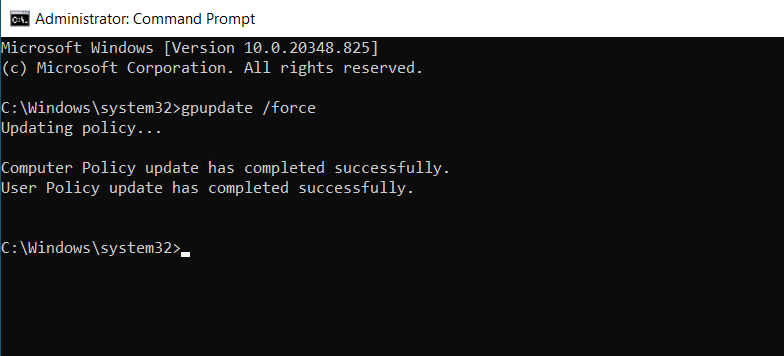
Once you are done with the disabling of this Group Policy Object, don’t forget to run the command in administrator mode: gpupdate /force.
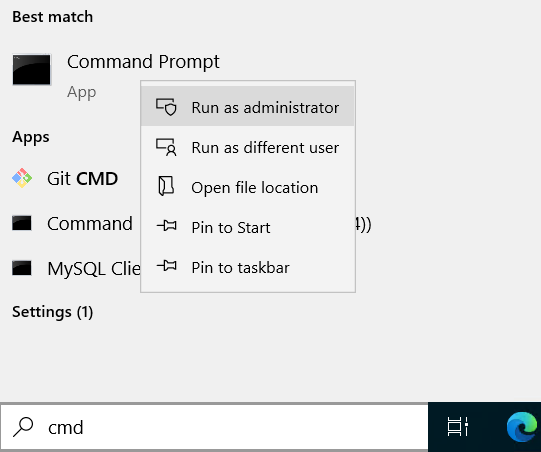
After the restart, you will be able to install any roles or features in Windows Server.
Source: